 Open Source
Copy here, paste anywhere.
ClipSync bridges your Android and Windows devices over Bluetooth, sharing your clipboard instantly, privately, and completely offline. No emailing yourself. No cloud. Just copy and paste.
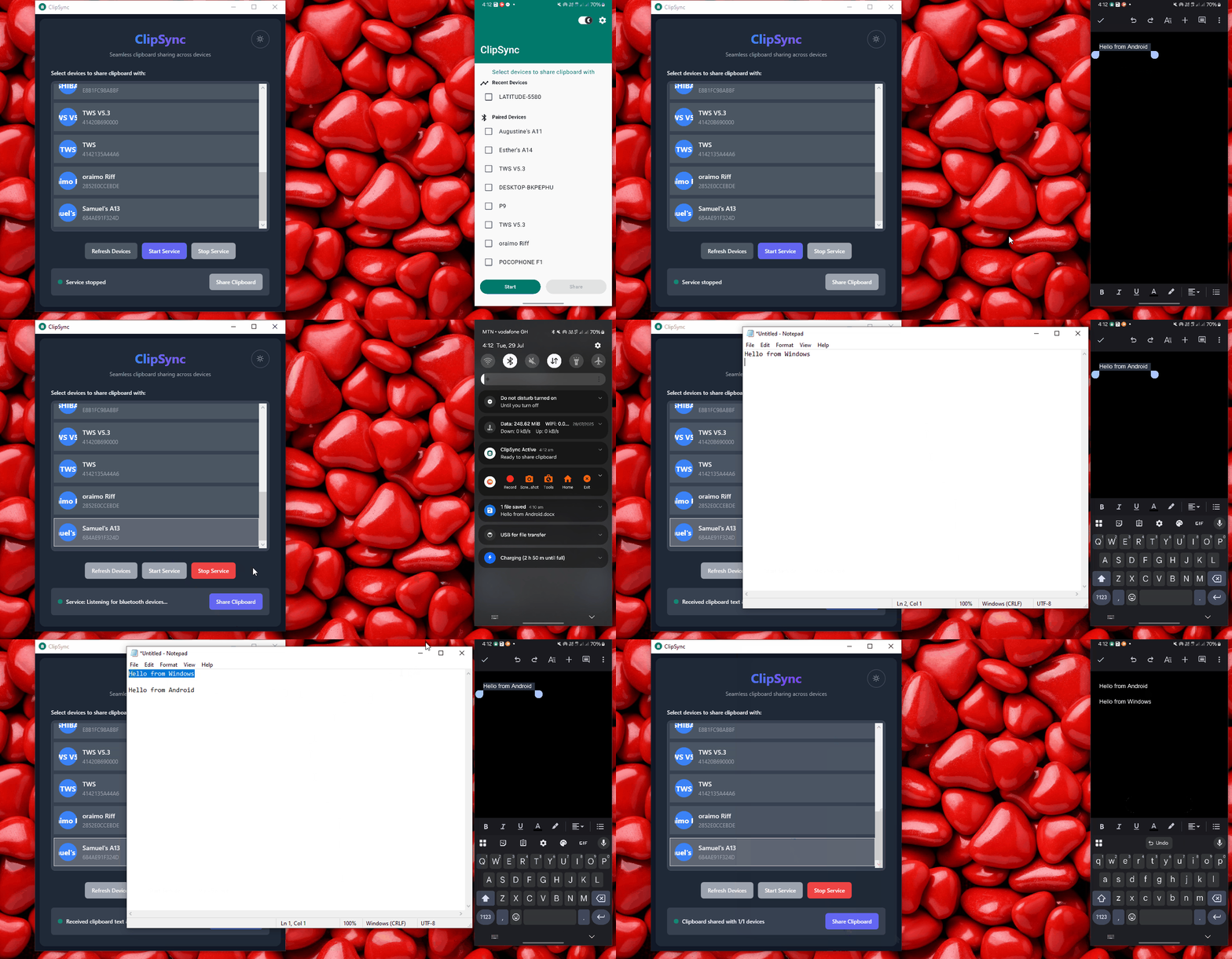
Built for speed & privacy
Instant Transfer
Copy on one device, paste on the other in seconds.
100% Offline
Bluetooth-powered. Works in basements, planes, and anywhere without internet.
Private by Design
Zero cloud storage. Zero data collection. Your clipboard never leaves your devices.
Home Screen Widget and Notification Share
Control everything without opening the app. Share directly from notification actions or widget.
Auto-Sync
Enable auto-sync and paste on Windows as soon as you copy on Android. Automatically.
Multi-Device
Connect and sync with multiple Android and Windows devices simultaneously.
You've emailed yourself for the last time
Every developer, student, and professional who works with both a phone and a PC knows the pain. A URL on your phone that you need on your PC. A code snippet on your PC you need to paste on your phone. The workarounds are embarrassing, WhatsApp yourself, email yourself, or retype.
Cloud clipboard solutions like Microsoft Phone Link require you to be locked into a specific ecosystem OR have a constant internet connection. That's a dealbreaker for anyone on a metered plan, in a meeting room, or simply privacy-conscious.
ClipSync changes this completely. It uses the Bluetooth hardware already on your devices. No accounts. No permissions beyond what Bluetooth needs. No data ever leaves your hands.
- No internet required. Works 100% over Bluetooth
- No sign-up, no account, no cloud
- Open source. Audit every line yourself
- Works on any Android, Windows pair
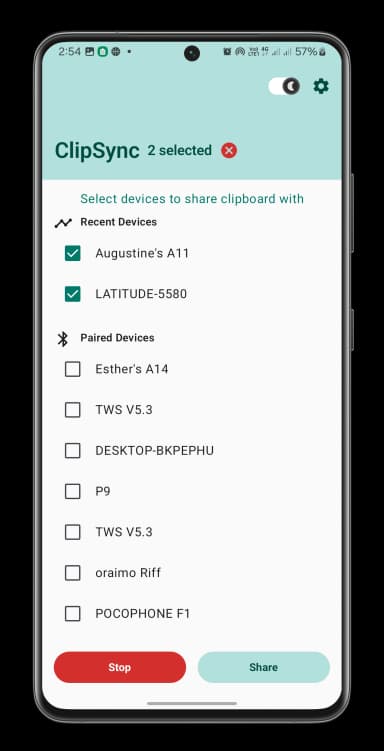
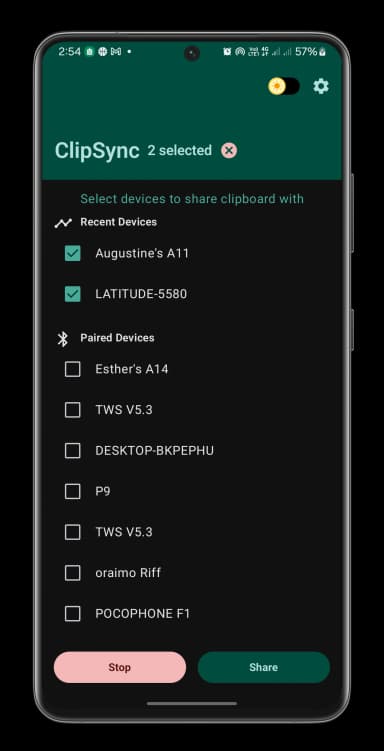
Up and running in under 3 minutes
Install Both Apps
Download ClipSync on your Android phone and your Windows PC.
Pair via Bluetooth
Use standard Bluetooth device settings to pair your phone with your PC.
Start the Service
Tap Start on Android. Click Start Service on Windows. Both will listen.
Copy & Paste
Copy text anywhere. Share via notification or enable Auto-Sync. Done.
Setup
Installation
- 1Download the latest ClipSync apk version from the GitHub Releases page linked below.
- 2Open the downloaded APK file and tap Install.
- 3Launch ClipSync and grant all requested permissions including Bluetooth and Notifications.
Usage
- 1Open ClipSync and select the paired Bluetooth devices you want to sync with.
- 2Tap "Start". A persistent notification will appear confirming the service is running.
- 3Copy any text. Pull down the notification tray and tap Share to instantly send the clipboard to your PC.
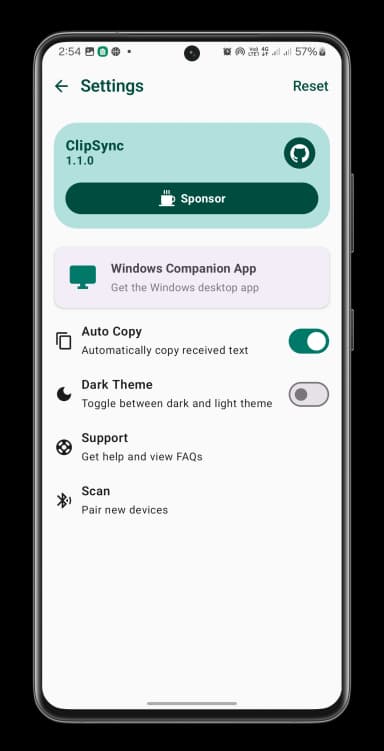
Troubleshooting
Still stuck? Open an issue on GitHub and we'll help you out.
Ready to Streamline Your Workflow?
It's free. It's open source. It takes 3 minutes to set up. Stop emailing yourself and start syncing smarter.